
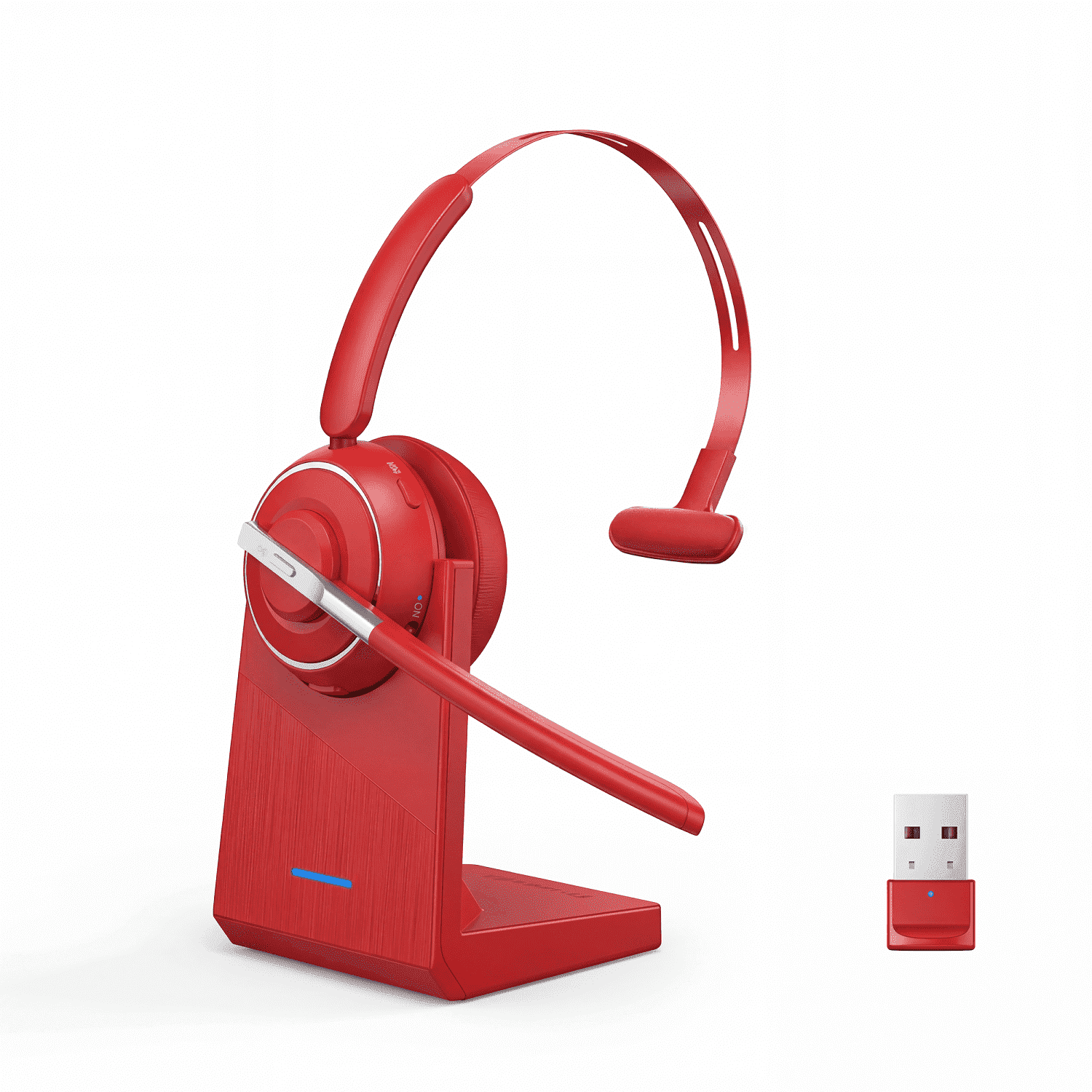
V5.2 Computer Bluetooth Headset with Microphone for PC, with Noise Cancelling Mic, USB Dongle, Charging Base & Mute Button for Work/Cell Phones/Computer/Call Center/Zoom
Product details
| Management number | 230309137 | Release Date | 2026/06/18 | List Price | US$239.60 | Model Number | 230309137 | ||
|---|---|---|---|---|---|---|---|---|---|
| Category | |||||||||
<br>Fix Microphone issue <br>If you find that KH122M headset microphone has no sound after pair KH122M to a computer via USB Dongle, please follow the steps below: <br> <br>1. Make sure the headset and dongle are paired successfully(dongle display light is fixed blue) <br> <br>2. After the headset and dongle are paired successfully, please follow the steps below: <br> <br>1) Right-click the Speakers icon at the bottom right, then click "Open Sound settings" <br> <br>2) Make sure that [KH113M dongle] has been selected as both the output and input device. Then close Settings. <br> <br>If there is still no sound, the microphone of the headset may be disabled or [KH113M dongle] is not set as the default device on your computer. <br> <br>1) Right-click the Speakers icon at the bottom right, then click "Sound " <br> <br>2) Click "Recording"and "Playback", then set [KH113M dongle] as default device and make sure it is enabled. <br> <br>3. Make sure apps have access to the microphone <br> <br>If your microphone isn't detected, you may need to give your apps permission to use it. (Take windows 10 as example) <br> <br>1) To let apps access the microphone, select Start, then select Settings> Privacy> Microphone. Select Change, then turn on Allow apps to access your microphone. <br> <br>2) After allowing access to the microphone, you can choose which Microsoft Store apps can access these features under Choose which Microsoft Store apps can access your microphone, and give access to non-Microsoft-Store desktop apps by ensuring that the switch beneath Allow desktop apps to access your microphone is set to On.
- Ai noise cancellation: eliminates up to 99% of background noise. Put into use of the latest noise cancellation technology to make you can hear and be heard clearly wherever you are. very suitable for trucker, receptionists, call center, construction sites. Built-in noise reduction microphone and dynamic speaker. Clear audio offers crystal sound, can let you hear and get heard clearly, enjoy the freedom of wireless mobile calls and music while driving, running and working.
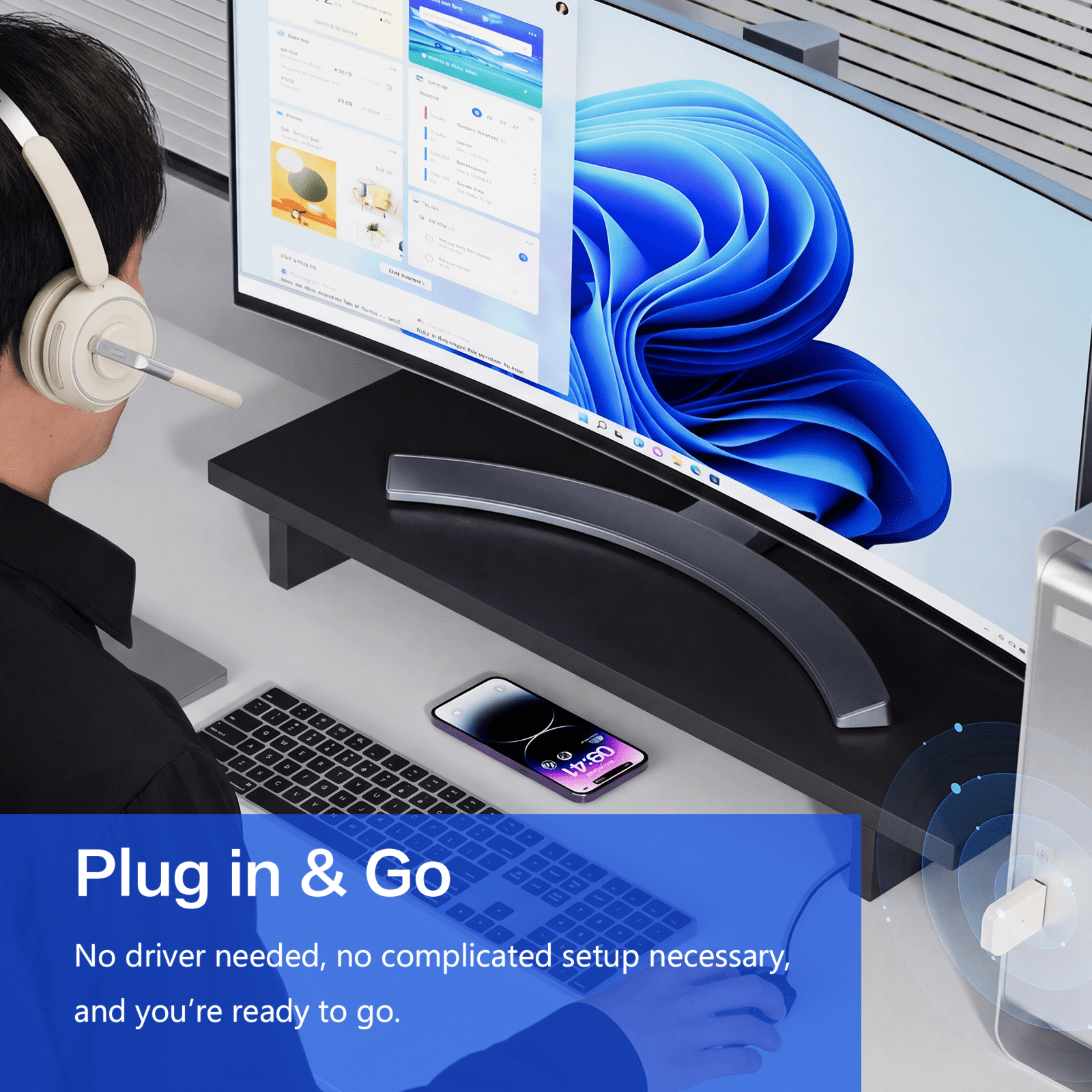
- Bluetooth usb dongle included: this bluetooth headset comes with a usb dongle in the package, you can use our bluetooth headset on a computers without bluetooth function, just plug the usb dongle into your pc, turn on the bluetooth headset, they will pair automatically. Perfect for call centers, offices, remote work, online classes, skype, zoom, google meetings, and more. (the mfb can only answer/hang up mobile phone calls).
- Bluetooth 5.0 universal compatible: the Mopchnic wireless headset adapts the latest bluetooth version 5.0, which provides more stable connection and it's compatible with cell phones, laptops, computers and other bluetooth devices. You can use the usb dongle to connect to devices that don't have bluetooth capabilities. Besides, this bluetooth headset with microphone supports two device connections.
- Support siri and mute function: this bluetooth headset supports siri voice assistant and mute switch. The independent mute button on the microphone is at your fingertips. Voice prompt mute on/off. One key to turn on/off the bluetooth headset and enter pairing mode, single click to answer, reject and hang up calls.
- Comfortable and long battery life: this bluetooth headset provides you with a comfortable wearing experience for intensive use throughout the day. comfortable and breathable earmuff ensure all-day comfort, and the adjustable headband fits any head shape without slipping off your head. This bluetooth headset can be fully charged in 1.5 hours (type-c charging port) and provides up to 35 hours of talk time or 40 hours of music playback (70% volume) when fully charged.
| Accessories included | Bluetooth Usb Dongle |
|---|---|
| Headphone style | On-Ear |
| Wireless | Bluetooth |
| Recommended use | Computer |
| Audio feature | Mono |
| Works with | Cell Phones, Tablet Computers, Computers, Laptop Computers |
| Connection | USB |
| Brand | Swiifome |
| Color | Red |
| Weight | 1.76 oz |
| Compatible brands | iPhone, Cell Phone, Android, IOS, Laptop Buddy, Tablet Express, Computer |
| Compatible models | iPhone, cell phone, android, pc, tablet, computer |
| Power type | Battery |
| Activity | Video Gaming |
| Video game platform | PC |
| Cable length | 7.56 in |
| Edition | Bluetooth;work;home;business;drive;black |
| Model name | KH113M |
| Model | KH122M-415-RED |
| Color category | Red |


Bestseller ranking
Computers


Customers who viewed this product also viewed
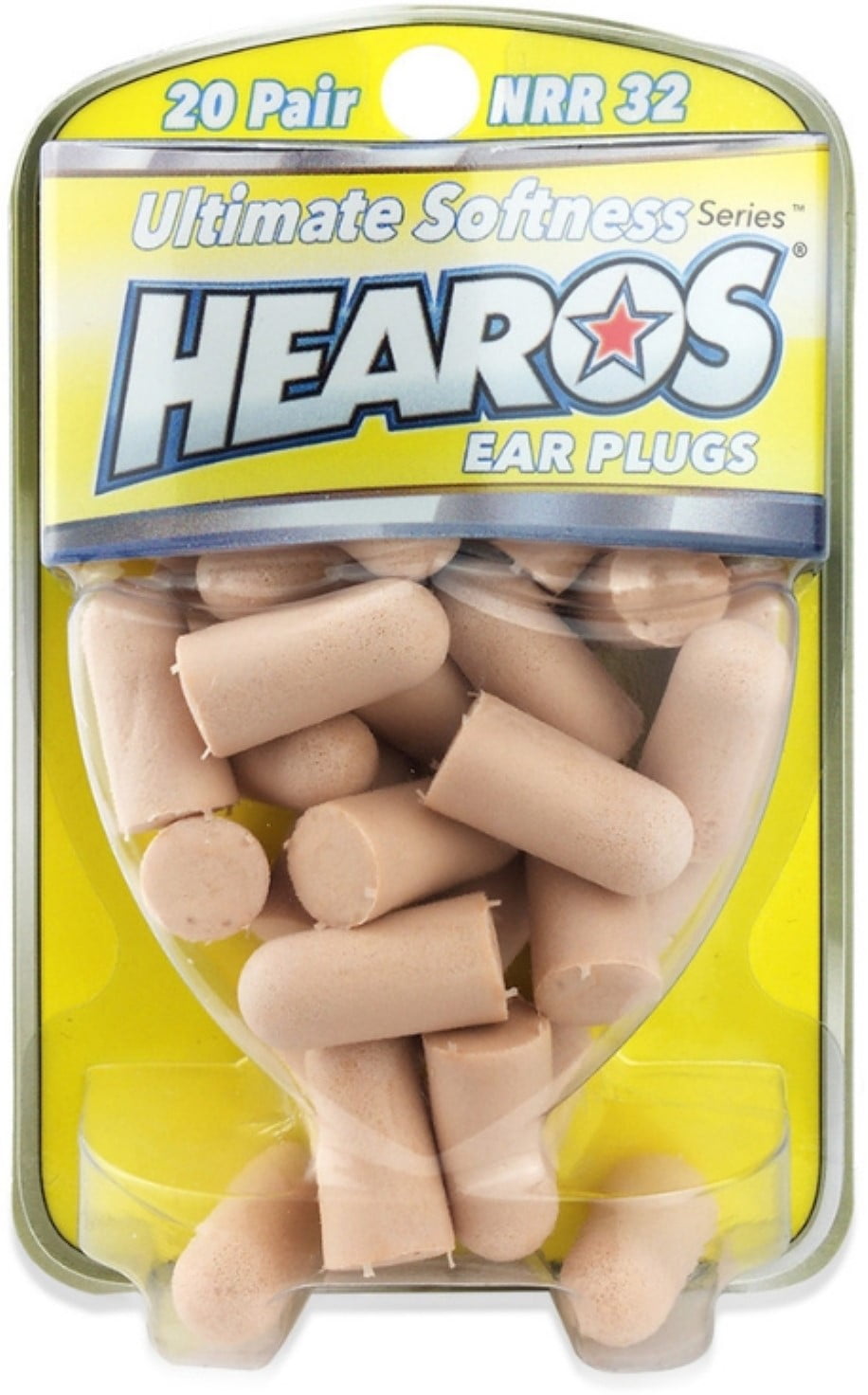
Hearos
Correction of product information
If you notice any omissions or errors in the product information on this page, please use the correction request form below.
Correction Request Form